Every June, Philippine schools brace for the same ritual: manually recomputing Written Works, Performance Tasks, and Exams into a final grade, hunting down last year's transmutation table, and hoping nobody made a typo in the Excel formula that never quite reconciled with the one a co-teacher used. DepEd's newer curriculum splits the school year into three terms instead of the old four quarters — which means schools still running on spreadsheets built for quarters are retrofitting formulas that were never designed for three.
1Why the 3-Term Structure Trips Up Manual Systems
The shift from quarters to T1/T2/T3 sounds like a small change until you have to rebuild every grade sheet, every report card template, and every teacher's personal formula around it. A spreadsheet doesn't know the difference between a core subject's 20/50/30 weighting and TLE or MAPEH's 20/60/20 split — a teacher has to remember it, every time, for every subject. A teacher entering scores by hand today has to keep track of:
- Which weighting formula applies to this specific subject (core vs. TLE/MAPEH)
- Which transmutation table version is the current one
- Whether last year's spreadsheet template still matches this year's rules
Edukitor's grading engine has both weightings built in. A teacher enters raw scores for Written Works, Performance Tasks, and Exams; the system applies the correct weighting for that subject type automatically, then converts the result through the official Adjusted Transmutation Table — the same one DepEd publishes, not a re-typed copy that might carry a transcription error.
2Grades Stay Private Until a Teacher Says They're Ready
One thing that surprises new users: a term's grades are invisible to parents and students until the teacher explicitly finalizes that term. That's deliberate. A teacher who's still entering scores mid-term shouldn't have a parent messaging them asking why their child's grade "dropped" — it hadn't dropped, it just wasn't finished yet. Once finalized, the grade becomes visible everywhere at once: the parent dashboard, the student portal, and the printed report card. If a mistake slips through afterward, school leadership can reopen that term to fix it — and the change is logged, not silently overwritten.
3One Grade, Everywhere It's Needed
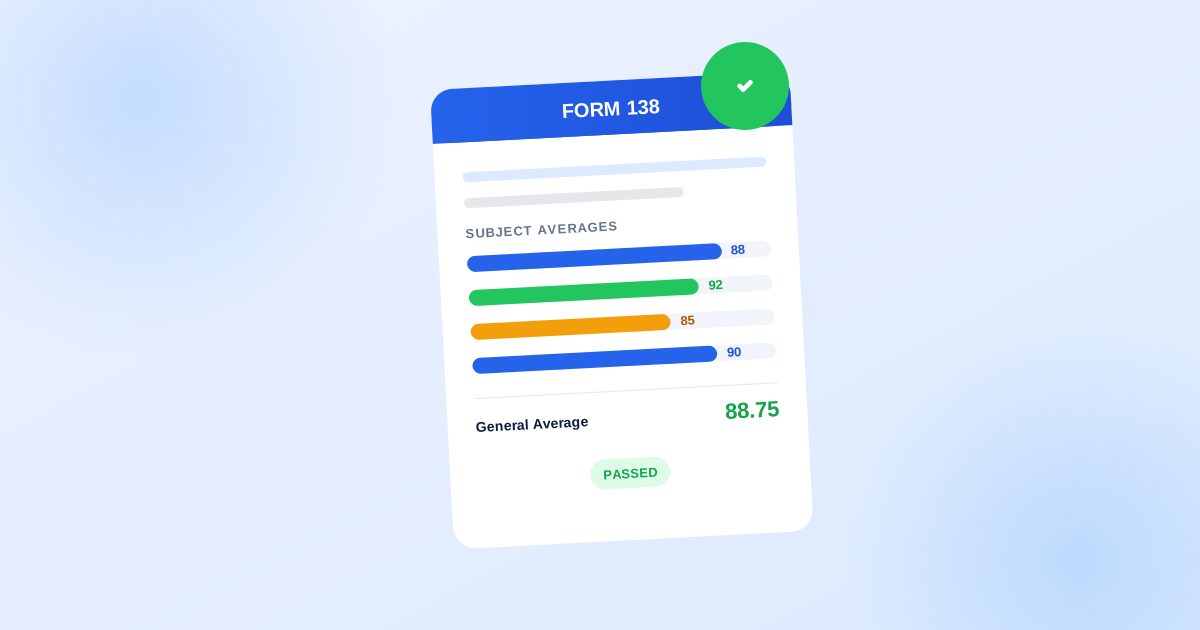
The same finalized grade populates Form 138 (the Progress Report Card) and Form 137 (the Permanent Record) automatically. There's no second spreadsheet to keep in sync, and no risk that the number a parent sees on their phone is different from the number printed on the report card — because it's the same number, read from the same place, every time.
For MAPEH specifically, the four component subjects — Music, Arts, Physical Education, Health — each keep their own individual gradebook, so a PE teacher and a Music teacher aren't fighting over the same column, but everyone sees one combined MAPEH grade on the report card, averaged automatically from the four.
4What This Actually Saves a Registrar
In practice, this turns grading season from a spreadsheet-reconciliation exercise into something closer to plain data entry. Teachers enter scores as they go; the system does the arithmetic DepEd actually requires. Nobody re-types a transmutation table, and nobody has to explain to a parent why the number on the printed card doesn't match what they saw on their phone.
If your school is still passing an Excel file between the registrar's office and every subject teacher each grading period, book a walkthrough and we'll show you a live gradebook instead of a slide deck.